Tips to Fix Tangled Dependency Lines
Preventing Spaghetti Charts: Clean Dependency Design Know-how
The core of a Gantt chart is the Dependency that indicates the predecessor-successor relationship between tasks. This is because a single arrow intuitively shows the logic that 'Task B starts only after Task A finishes' (Finish-to-Start). However, if you draw too many arrows indiscriminately out of enthusiasm, countless lines tangle and intersect, creating an unrecognizable "Spaghetti Chart". Here are 3 tips to clean up a Gantt chart whose readability has severely degraded.
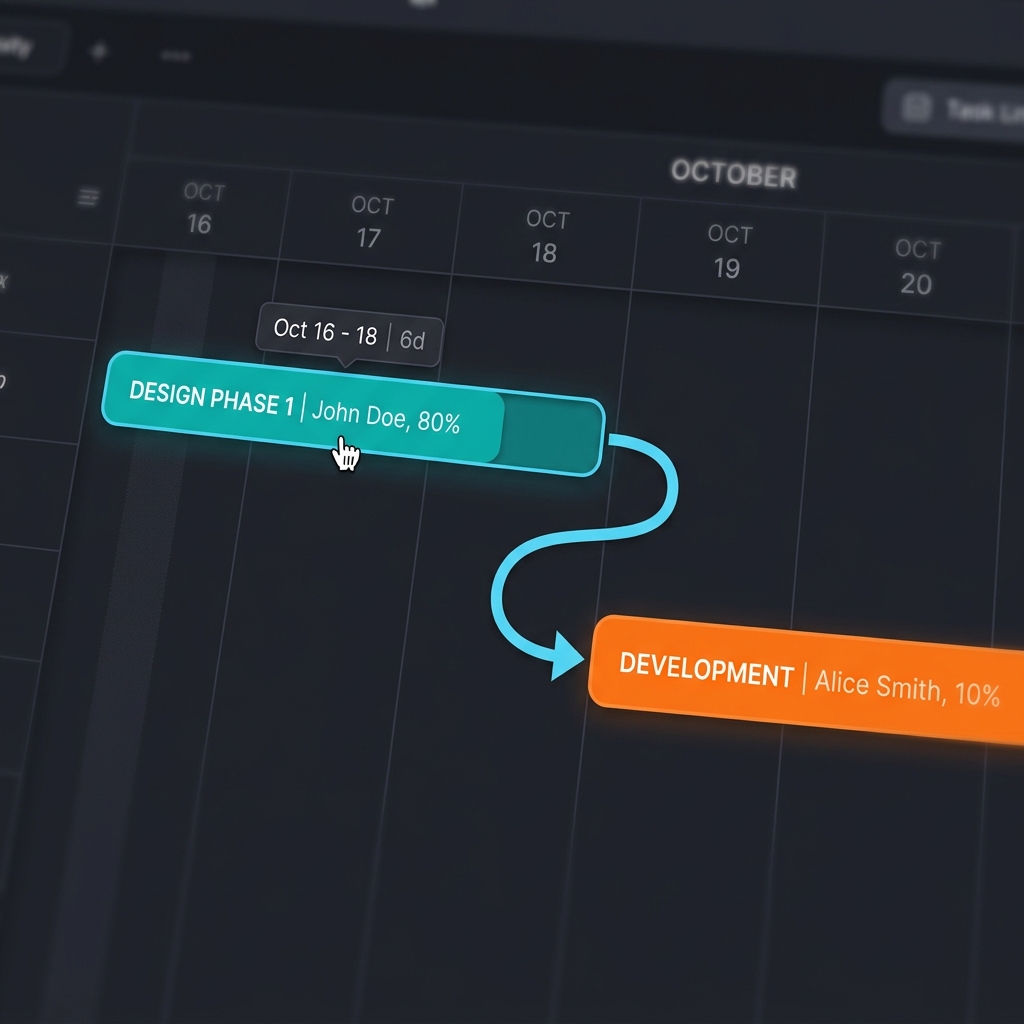
1. Connect Parent Groups (Folders) Instead of Child Tasks
The most frequent cause of spaghetti lines is linking every single individual task. For example, suppose there are 10 sub-tasks in the [1. Planning] group and 10 in the [2. Design] group. If you draw 100 arrows from each planning task to each design task just because planning must finish before design, the chart becomes a mess.
💡 Tip: Boldly delete all arrows between sub-tasks. Instead, draw just 1 arrow connecting the [1. Planning] parent group bar to the [2. Design] group bar. This alone maintains the overall logic and makes the chart 100 times cleaner.
2. Connect Only Essential Physical Logic (Hard Logic)
You should only set dependencies when there is a strict physical constraint (Hard Logic) that must be followed between predecessor and successor tasks. For instance, 'cement must dry before laying bricks' is an absolute physical constraint.
💡 Tip: You don't need to draw arrows simply because the manager decided to "schedule Task A first and Task B later" (Soft Logic). If it's an arbitrary sequence, removing the dependency arrow and just setting the dates later is much better for readability.
3. Optimize the Critical Path
If unnecessary lines are tangled, it's hard to find the real bottleneck determining the project's end date—the Critical Path. By turning on Rudia Online Gantt's CPM highlight feature and clearing unnecessary dependency lines around the red-highlighted critical path, managers can clearly see where to focus resources.
Having many lines in a Gantt chart does not mean detailed management. 'Simplicity' is the ultimate project management technique.