How to Calculate Duration Excluding Holidays?
Understanding the Strict Separation of Duration and Working Days
One of the most common concepts that beginner Project Managers (PMs) confuse during scheduling is equating the physical 'calendar Duration' with the 'pure Working Days' when human resources are actually deployed. Failing to strictly separate and calculate these two concepts leads to severe errors in budget estimation, labor cost payments, and delivery date predictions.
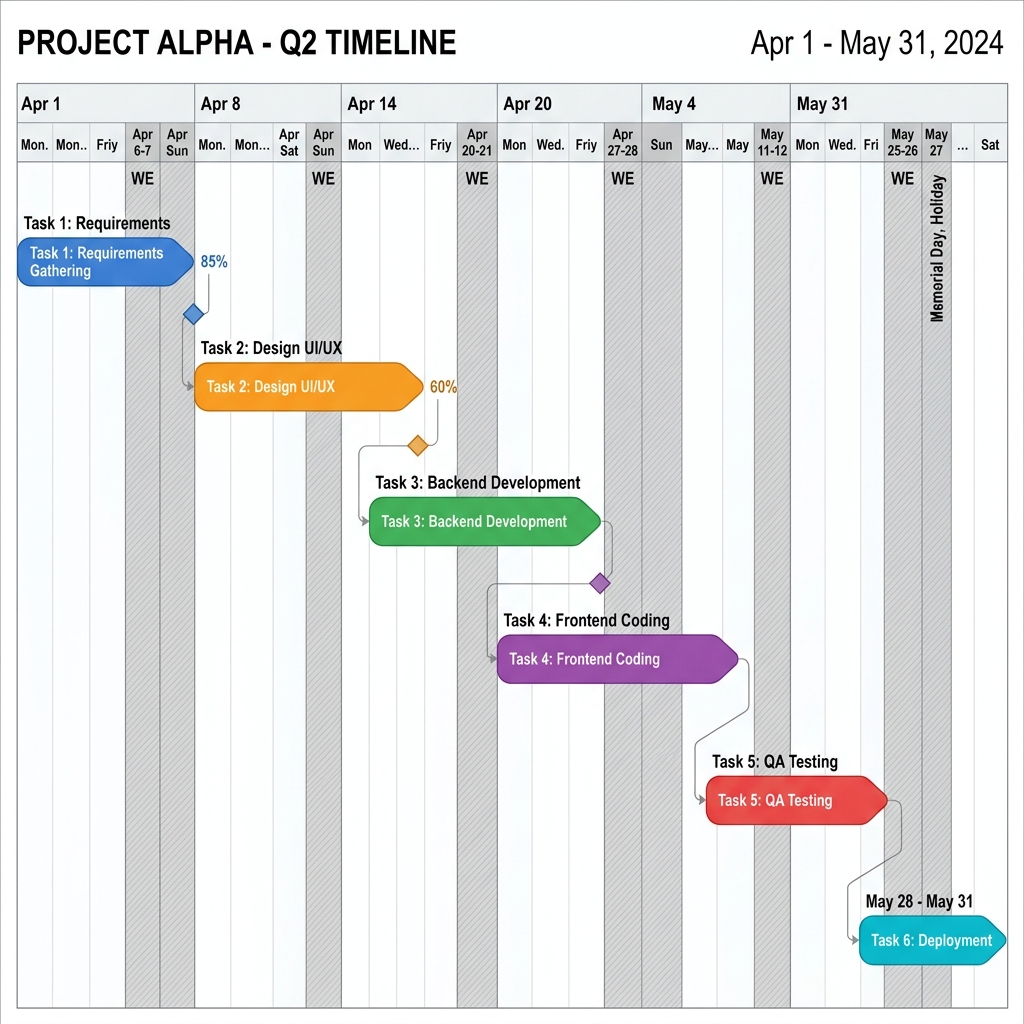
The Difference Between Calendar Duration and Actual Working Days
For example, suppose you drag a task bar for "Software UI Design" to start on December 1 (Friday) and complete on December 4 (Monday).
- Physical Duration: Including Dec 1, 2, 3, and 4, a total of 4 days is calculated. This is used to intuitively grasp how many calendar days a project spans.
- Pure Working Days: Since Dec 2 (Sat) and Dec 3 (Sun) are weekends off, the actual days the designer is working are only 2 days (Friday, Monday). When calculating budgets and resource M/M (Man/Month), this 'Working Days' must be the standard.
Rudia Gantt's Automatic Holiday Deduction Algorithm
Rudia Online Gantt's powerful smart scheduling engine automatically calculates and deducts these weekends and holidays.
Double-click a task bar to open the Properties window. Aside from the intuitive 'Duration' number visible on the screen, you can see that the actual Working Days are clearly separated and displayed. Users do not need to look at a calendar and manually subtract Saturdays and Sundays.
Custom Working Days Setting per Project (Perfect for 4-Day Workweeks)
Depending on the company or project, construction sites might work on Saturdays, while trendy IT companies might adopt a '4-day workweek', resting on Friday, Saturday, and Sunday. In Rudia Gantt, through the left gear icon [Project Settings] menu, you can freely set which days of the week are working days and which are days off using checkboxes. As soon as the setting is changed, the auto-scheduling engine triggers for all tasks and instantly recalculates the end dates.
This precise time calculation feature perfectly defends against scheduling loopholes that beginner managers easily overlook.